


24-05-2020, 04:59 PM
This came from a recent purchase of some Microbee disks. It was a normal Microbee 3.5" double sided disk that imaged 100% error free. Thanks to archive.org where this 2nd edition manual was found.
From the manual:
PrintMaster is a versatile graphics program that lets you use your
computer and printer to design and print personalized greeting cards,
signs, stationery, calendars and banners. Just make selections from
the border, graphics, layout and font menus, enter your message and
print.
This is a specific Microbee version of Printmaster released in 1987 by Kyocera Unison with the use of graphical boarder on the opening screen and the use of Arrow Keys as standard, though they can be changed. Thats where the changes end compared to earlier versions. You still cannot see the graphical layout of what you produced before printing. Intended use is for Premium 128k and 256TC Microbees only. Put the 256TC system on the disk before booting or run from B: drive.
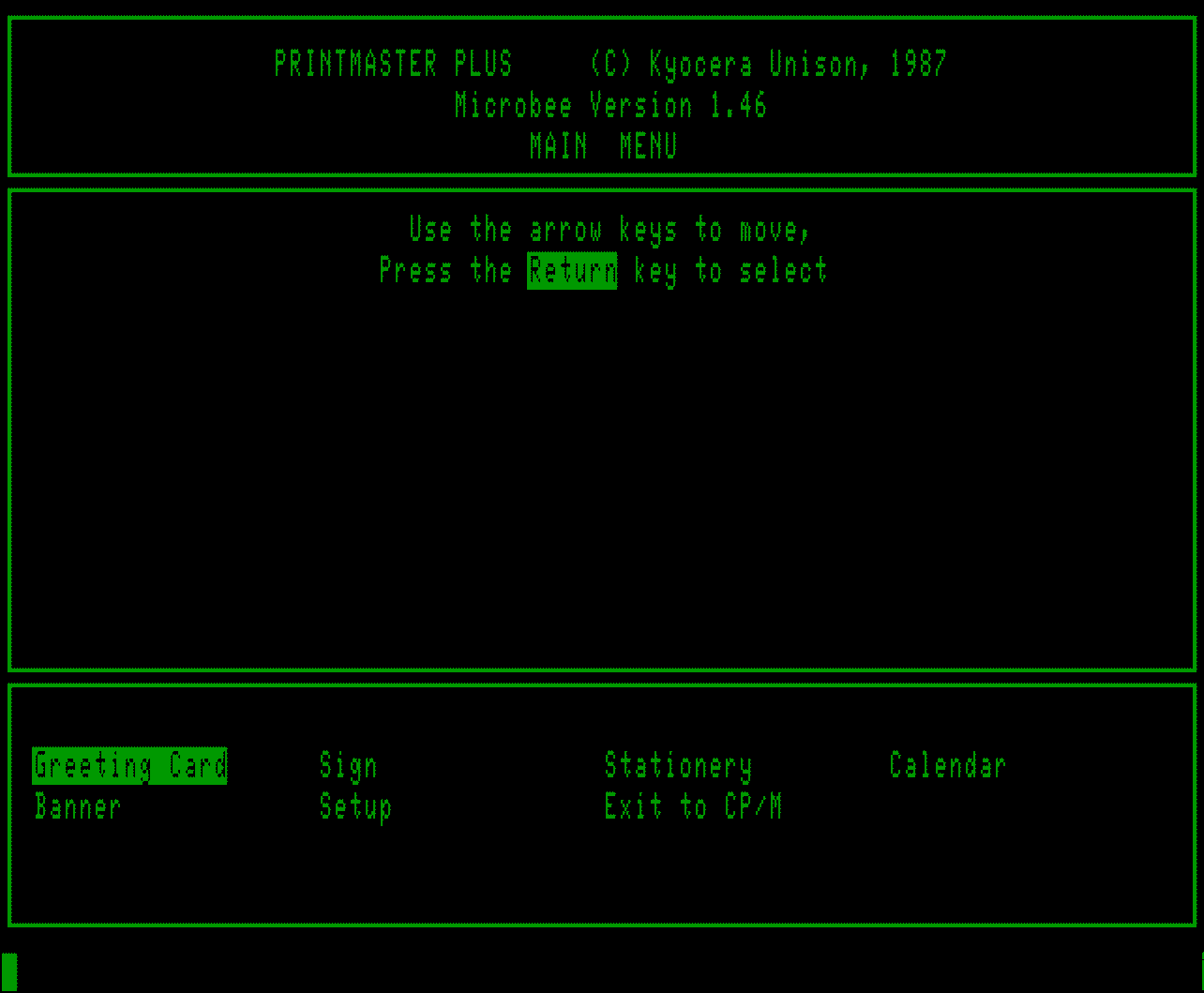
The manual is a 2nd edition and for earlier versions of PrintMaster. It was produced by DataFlow (Australian Agents) and same manual is used for the IBM(MS-DOS), Commodore 64 & Amiga, Microbee, Apple, Atari and CP/M (Kaypro & Epson QX-10 and compatibles) computers. The manual specifically says on page 2 that the arrow keys on the Microbee do not function, however, that is not the case in this version. We already have the PrintMaster Plus User Manual so check that out for further information and use.
So in the MbeeTech repository in the Microbee\Software\Applications\Graphics folder we placed
printmaster_plus_1.46_ds80.dsk
printmaster_user_guide_2nd_edition.pdf <-- in Documentation\Manuals\Software folder
From the manual:
PrintMaster is a versatile graphics program that lets you use your
computer and printer to design and print personalized greeting cards,
signs, stationery, calendars and banners. Just make selections from
the border, graphics, layout and font menus, enter your message and
print.
This is a specific Microbee version of Printmaster released in 1987 by Kyocera Unison with the use of graphical boarder on the opening screen and the use of Arrow Keys as standard, though they can be changed. Thats where the changes end compared to earlier versions. You still cannot see the graphical layout of what you produced before printing. Intended use is for Premium 128k and 256TC Microbees only. Put the 256TC system on the disk before booting or run from B: drive.
The manual is a 2nd edition and for earlier versions of PrintMaster. It was produced by DataFlow (Australian Agents) and same manual is used for the IBM(MS-DOS), Commodore 64 & Amiga, Microbee, Apple, Atari and CP/M (Kaypro & Epson QX-10 and compatibles) computers. The manual specifically says on page 2 that the arrow keys on the Microbee do not function, however, that is not the case in this version. We already have the PrintMaster Plus User Manual so check that out for further information and use.
So in the MbeeTech repository in the Microbee\Software\Applications\Graphics folder we placed
printmaster_plus_1.46_ds80.dsk
printmaster_user_guide_2nd_edition.pdf <-- in Documentation\Manuals\Software folder
---------------------------
ChickenMan
ChickenMan